Real-Time Captions for Deaf & Hard of Hearing | FluentCap
FluentCap brings real-time captions to everyone who needs them — making conversations, movies, meetings, and everyday audio accessible for the deaf and hard-of-hearing community.
- The Challenge of Living Without Sound
- How FluentCap Makes Audio Accessible
- Getting Started with FluentCap
- Real-Life Use Cases
- Thank You to Our Amazing Providers
- Frequently Asked Questions
- Conclusion
Imagine sitting in a meeting where everyone is laughing at a joke you couldn't hear. Or watching a foreign film with your family, but the subtitles arrive too late — or not at all. For the 433 million people worldwide living with disabling hearing loss, these moments happen every day. We built FluentCap because we believe accessible captions should be available to everyone, not just those who can afford expensive services.
The Challenge of Living Without Sound
Living with hearing loss means navigating a world designed for those who can hear. Whether you're deaf from birth, experiencing age-related hearing loss, or simply in a noisy environment where you can't hear clearly, the challenges are real:
- Video calls with family or colleagues where you miss half the conversation
- Online meetings that move too fast for you to keep up
- Foreign films and shows without proper subtitles
- Podcasts and lectures that are completely inaccessible
- Everyday sounds from your computer that you simply can't hear
According to the World Health Organization (WHO), the number of people with hearing problems could reach 2.5 billion by 2050. That's nearly one in four people on the planet.
Traditional solutions like professional CART (Communication Access Realtime Translation) services can cost $75-200 per hour. Many caption apps require monthly subscriptions of $15-30. For individuals, families, and organizations, these costs add up quickly.
How FluentCap Makes Audio Accessible
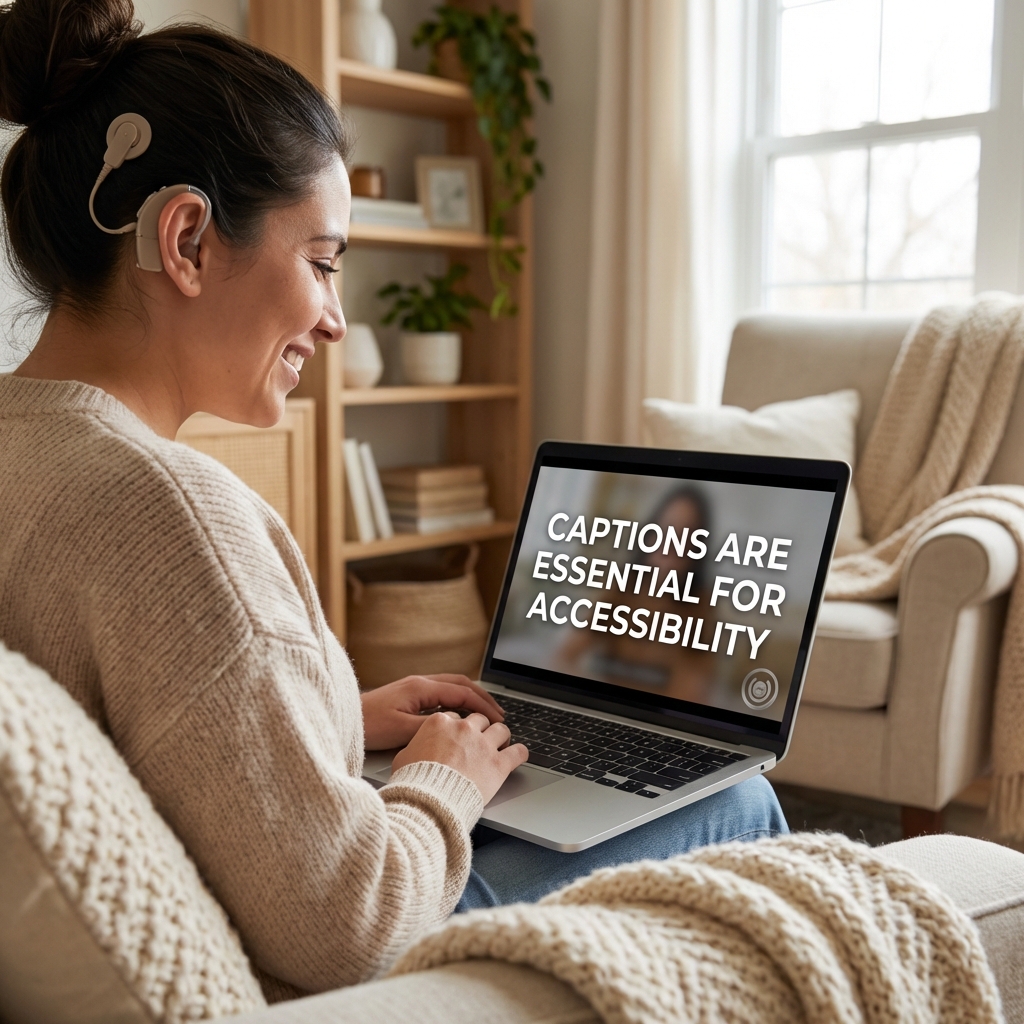
FluentCap is a free desktop application that captures any audio playing on your computer and converts it into real-time text captions. No subscriptions. No hidden fees. Just accessible communication.
What Makes FluentCap Different
| Feature | FluentCap | Traditional Apps |
|---|---|---|
| Cost | Free forever | $15-30/month |
| Works with any audio | ✓ System-wide | Limited sources |
| Translation | 50+ languages | Often extra cost |
| Privacy | Local processing | Cloud-only |
| Setup time | Under 2 minutes | Varies |
Key Features for Accessibility
1. Real-Time Transcription Every word appears on screen within milliseconds. Whether you're in a Zoom meeting, watching a YouTube video, or listening to a podcast, FluentCap captures and displays the audio as text in real-time.
2. Works with Everything Unlike apps that only work with specific platforms, FluentCap captures all system audio. If your computer can play it, FluentCap can transcribe it.
3. Customizable Display Adjust text size, colors, and positioning to match your visual preferences. The floating caption window stays on top of other applications, so you never miss a word.
4. Language Translation When audio is in a foreign language, FluentCap can translate it to your preferred language in real-time. This opens up a world of content that was previously inaccessible.
Getting Started with FluentCap
Setting up FluentCap takes just a few minutes. Here's how to start using real-time captions for deaf accessibility:
Step 1: Download FluentCap
Visit fluentcap.live and download the application for your operating system (Windows or macOS).
Step 2: Choose Your Provider
FluentCap works with several amazing speech-to-text providers. Each offers generous free tiers:
- Deepgram: $200 in free credits (~750 hours)
- AssemblyAI: $50 in free credits (~140 hours)
- Gladia: 10 free hours every month
- Shunya: $100 in free credits (~300 hours)
Step 3: Start Transcribing
Click "Start" and play any audio on your computer. The captions appear instantly in a floating window that you can position anywhere on your screen.
Pro Tips for Best Results
- Use headphones when you don't want audio to play through speakers
- Position the caption window where it's most comfortable to read
- Increase text size if you prefer larger captions
- Try different providers to find the one that works best for your accent preferences
Real-Life Use Cases
FluentCap is making a difference in the lives of people around the world. Here are some of the ways people are using real-time captions for deaf and hard-of-hearing accessibility:
Educational Settings
Students with hearing loss can now follow online lectures, webinars, and educational videos without relying on pre-made captions that may be inaccurate or unavailable. Research from Gallaudet University shows that real-time transcription can boost participation and engagement by up to 70% for deaf and hard-of-hearing students.
Professional Environments
Remote workers with hearing challenges can participate fully in video conferences, team calls, and client meetings. The captions appear in real-time, allowing for equal participation in discussions.
Family Connections
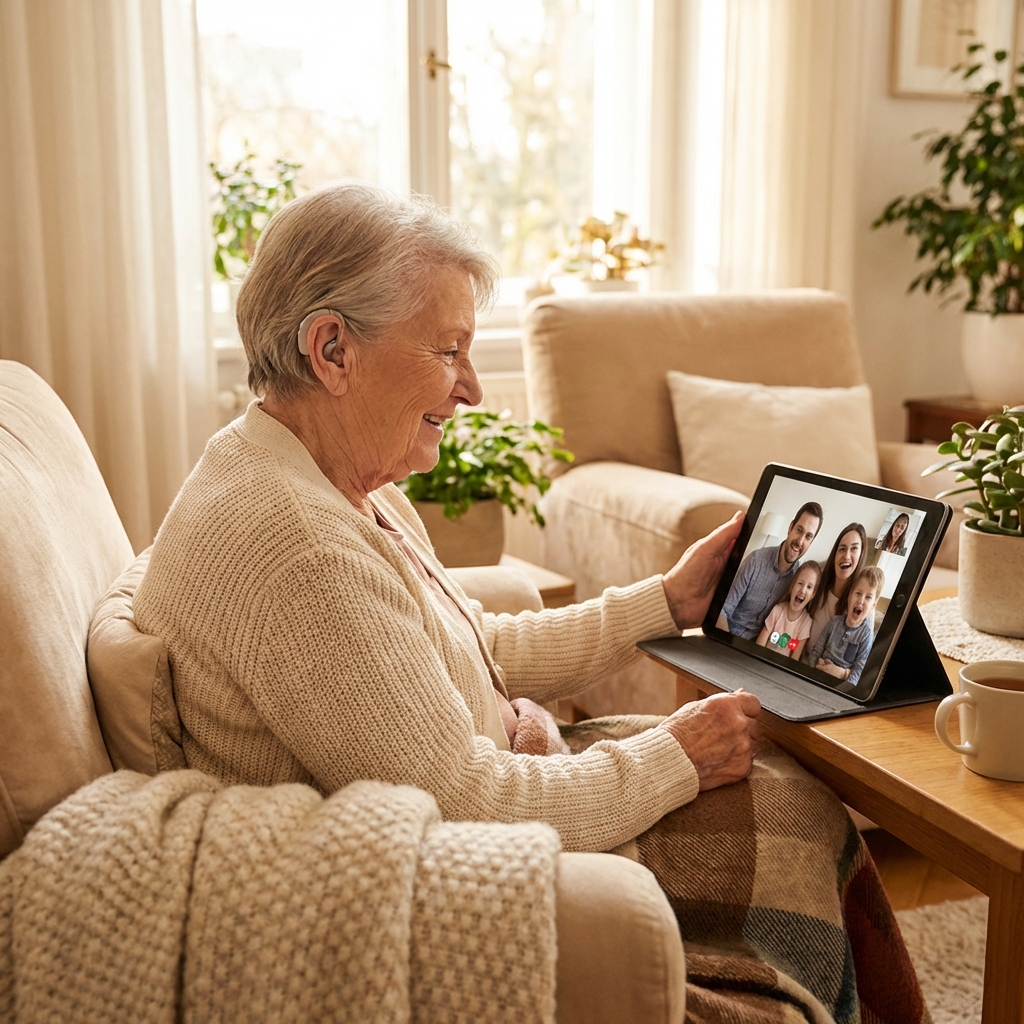
Video calls with grandparents who have age-related hearing loss become meaningful again. Instead of nodding along without understanding, they can read what family members are saying in real-time.
Entertainment
Movie nights and TV shows in any language become accessible. Whether it's the latest K-drama, a Japanese anime, or a French film, FluentCap provides captions for content that may not have subtitles available.
Noisy Environments
Even for those without hearing loss, noisy cafes, airports, or open offices can make audio difficult to understand. FluentCap bridges that gap.
Thank You to Our Amazing Providers
FluentCap is made possible by incredible speech-to-text providers who believe in accessibility. They generously offer hundreds of hours of free transcription:
- Deepgram: $200 free credits (~750 hours)
- AssemblyAI: $50 free credits (~140 hours)
- Gladia: 10 free hours every month (resets monthly)
- Shunya: $100 free credits (~300 hours)
When your free credits run out, we wholeheartedly encourage you to continue supporting these providers. Their pricing is incredibly fair — just $0.15-0.40 per hour, which is 60-80% cheaper than traditional subscription apps that charge $15-30 per month.
These providers deserve your support for making speech-to-text technology accessible to everyone around the world.
Frequently Asked Questions
Is FluentCap really free?
Yes! FluentCap itself is completely free. You only pay the speech-to-text providers directly when your free credits run out, and their pricing is very affordable ($0.15-0.40 per hour).
Does FluentCap work on Mac and Windows?
Yes, FluentCap is available for both macOS and Windows. We're working on additional platform support.
How accurate are the captions?
Modern speech-to-text providers achieve 95-98% accuracy in quiet environments. Accuracy may vary based on audio quality, background noise, and speaker accents.
Can FluentCap help with phone calls?
FluentCap works with any audio that plays through your computer. For phone calls, you can use a desktop calling app or speakerphone with your microphone capturing the audio.
Is my audio data private?
FluentCap sends audio directly to your chosen provider for transcription. We don't store or access your audio. The providers process your audio according to their privacy policies.
Can FluentCap translate foreign languages?
Yes! FluentCap can translate audio from 50+ languages into your preferred language in real-time. This is perfect for watching foreign content or participating in international meetings.
Conclusion
We built FluentCap because we believe language and hearing should never be barriers to understanding, learning, or connecting with others. For the millions of deaf and hard-of-hearing individuals around the world, live captioning shouldn't be a luxury — it should be available to everyone.
Whether you're a student trying to follow a lecture, a professional navigating remote work, a family member wanting to connect with loved ones, or simply someone who needs captions in a noisy environment, FluentCap is here to help.
When you're ready, give FluentCap a try. We hope it helps you connect with the world in a way that feels inclusive and empowering.
Related Articles
Looking for more ways to use FluentCap? Check out these guides:
- Watch Foreign Movies with Real-Time Subtitles — Enjoy films from any country with instant translations
- Learn Languages by Watching Movies — Turn entertainment into education with live captions
- Free Transcription: 750+ Hours Available — Maximize your free credits from speech-to-text providers
- Multilingual Family Video Calls — Real-time translation for family calls across languages
— FluentCap Team
Built to bring good things to the world.