English Interview Confidence | Live Captions
Job interviews are stressful enough without worrying about language barriers. Learn how real-time transcription can boost your English interview confidence.
- The Challenge of Non-Native English Interviews
- How Real-Time Transcription Changes Everything
- Practical Ways to Use FluentCap for Interview Prep
- Real-Time Support During Virtual Interviews
- Beyond the Interview: Career Confidence
- Thank You to Our Amazing Providers
- Frequently Asked Questions
- Conclusion
You've prepared your resume, researched the company, and practiced your answers. But there's one thing that keeps you up at night: what if you miss something important because of language? For millions of non-native English speakers, job interviews come with an extra layer of anxiety. The fear of misunderstanding a question, struggling to find the right words, or "freezing up" is very real. We built FluentCap to help you face these challenges with confidence — because english job interview confidence shouldn't depend on being a native speaker.
The Challenge of Non-Native English Interviews
Job interviews are already one of life's most stressful experiences. Research shows that only about 20% of job applicants make it to the interview stage. When you finally get that chance, the pressure is immense — especially when English isn't your first language.
The First 90 Seconds Matter
Studies indicate that interviewers often form their initial impressions within the first 90 seconds of meeting you. Your confidence level can influence their decision by as much as 40%. For non-native speakers, this creates a difficult situation: the anxiety about language can undermine the very confidence you need to project.
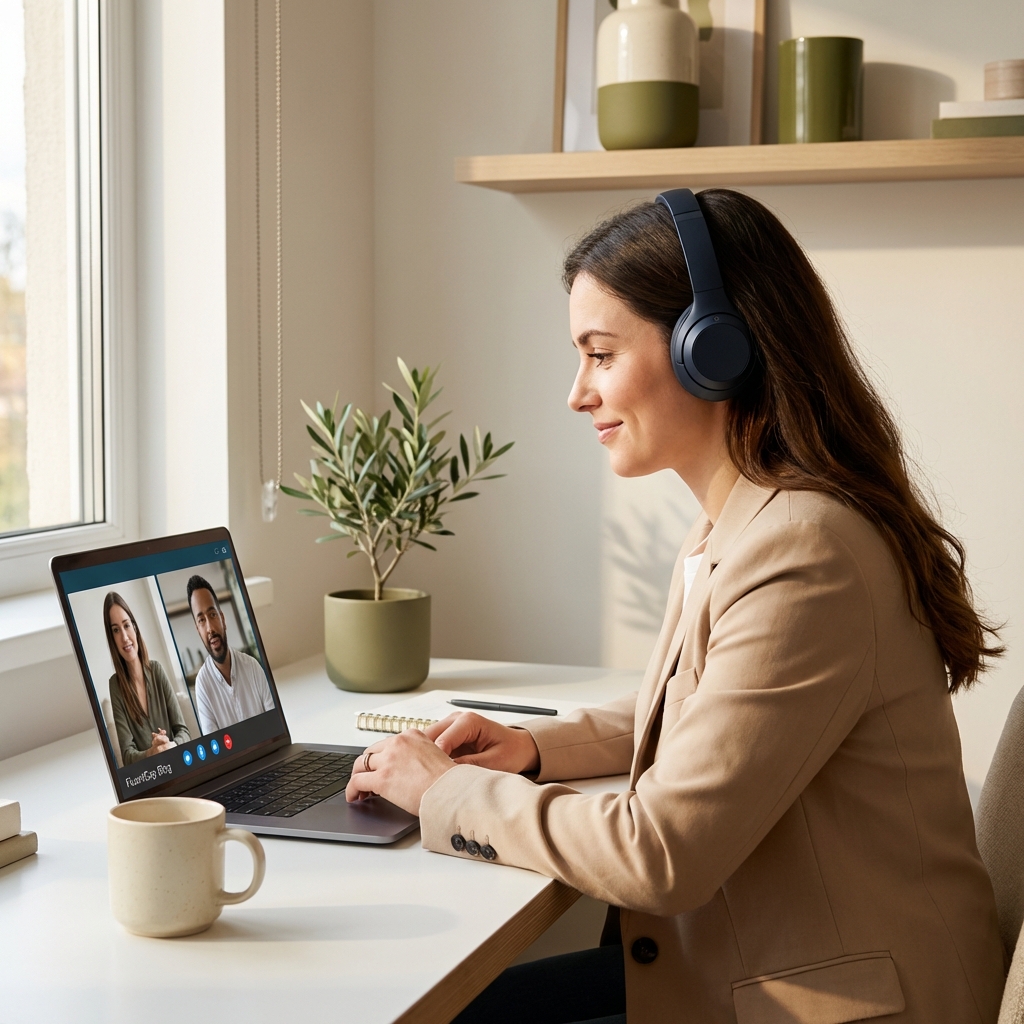
Common Fears Non-Native Speakers Face
- Fear of grammatical errors that might create a "bad impression"
- Difficulty processing unexpected questions while formulating answers
- Worry about accent comprehension — will they understand you? Will you understand them?
- "Freezing up" when anxiety peaks during complex questions
- Missing key information because of unfamiliar vocabulary or fast speech
These challenges are valid. Research on professional migrants shows that language barriers can lead to selection biases, even when candidates have excellent qualifications. But here's the good news: you can prepare for these challenges, and technology can help.
How Real-Time Transcription Changes Everything
Imagine having every word the interviewer says appear as text on your screen — in real-time. That's what FluentCap does. It captures any audio playing through your computer and converts it into live captions that you can read while listening.
Why This Matters for Interview Confidence
| Benefit | How It Helps |
|---|---|
| Visual backup | Never miss a word, even if you didn't catch it acoustically |
| Processing time | Read and re-read complex questions while formulating your answer |
| Reduced anxiety | Knowing you have a safety net lets you focus on performing |
| Accent neutralization | See the words clearly regardless of the interviewer's accent |
| Review capability | Reference what was said earlier in the conversation |
The FluentCap Difference
FluentCap isn't just another captioning tool. It's a free desktop application that works with any audio source — Zoom, Google Meet, Microsoft Teams, or any other platform. You bring your own speech-to-text provider (with generous free tiers), so you stay in control of your data and costs.
Practical Ways to Use FluentCap for Interview Prep
The best way to build english job interview confidence is through deliberate practice. Here's how FluentCap can become your secret training partner.

Practice with YouTube Mock Interviews
YouTube is full of mock interview videos for every industry — tech, finance, healthcare, consulting, and more. Turn on FluentCap while watching these videos, and you'll:
- See questions in writing as they're asked
- Practice formulating answers with the text as reference
- Build vocabulary specific to your industry
- Get comfortable with interview pacing and structure
Search for "mock job interview [your industry]" and practice with FluentCap running. You'll be surprised how much more confident you feel after a few sessions.
Record and Review Your Responses
FluentCap captures transcripts that you can review afterward. Try this exercise:
- Find a mock interview video and pause after each question
- Record yourself answering (use any screen recorder)
- Review the transcript of your response
- Identify filler words, unclear phrases, or areas to improve
- Practice until your answers flow naturally
Build Industry Vocabulary
One of the biggest challenges for non-native speakers is industry-specific vocabulary. Use FluentCap to watch:
- Industry podcasts with professionals in your field
- Conference talks from companies you're targeting
- Company earnings calls or presentations (for business roles)
- Technical tutorials (for engineering roles)
The live transcription helps you catch and learn new terms as they're used naturally.
Real-Time Support During Virtual Interviews
With so many interviews happening over video call, FluentCap can be your real-time support system during the actual interview.
Setting Up for Success
Before your interview:
- Test FluentCap with your video platform (Zoom, Teams, Meet)
- Position the caption window where it's easy to glance at without looking away from the camera
- Adjust text size for comfortable reading
- Do a trial run with a friend to ensure everything works
Ethical Considerations
Using transcription during an interview is similar to using captions — it's an accessibility tool. You're not getting answers fed to you; you're simply ensuring you understand the questions clearly. Many interviewers won't even know you're using it, as FluentCap runs locally on your computer.
That said, if you're ever asked about accommodations, be honest. Most companies value candidates who take initiative to perform their best.
During the Interview
- Glance at captions when you need clarification
- Don't stare at the text — maintain eye contact with the camera
- Use the transcript reference if asked to respond to something said earlier
- Stay natural — the captions are your safety net, not your script
Beyond the Interview: Career Confidence
Getting the job is just the beginning. FluentCap continues to support your professional growth.

International Meetings
Once you're hired, you'll likely participate in meetings with global colleagues. FluentCap helps you navigate international meetings with the same confidence you brought to your interview.
Continuous Learning
Keep using FluentCap to:
- Watch professional development content in English
- Follow industry news from around the world
- Participate in webinars with confidence
- Build your professional English through daily exposure
The more you practice, the less you'll need to rely on captions — but they'll always be there when you need them.
Thank You to Our Amazing Providers
FluentCap is made possible by incredible speech-to-text providers who believe in making communication accessible. They generously offer hundreds of hours of free transcription:
- Deepgram: $200 free credits (~750 hours)
- AssemblyAI: $50 free credits (~140 hours)
- Gladia: 10 free hours every month (resets monthly)
- Shunya: $100 free credits (~300 hours)
When your free credits run out, we wholeheartedly encourage you to continue supporting these providers. Their pricing is incredibly fair — just $0.15-0.40 per hour, which is 60-80% cheaper than subscription apps charging $15-30 per month.
These providers deserve your support for making speech-to-text technology accessible to job seekers everywhere.
Frequently Asked Questions
Can FluentCap help me prepare for English job interviews?
Absolutely! FluentCap works with any audio source, so you can use it to practice with YouTube mock interviews, industry podcasts, and company presentations. The real-time transcription helps you build vocabulary and get comfortable with interview pacing.
Will my interviewers know I'm using FluentCap?
No. FluentCap runs locally on your computer and simply captures the audio output from your speakers. There's no indicator to other participants that you're using transcription.
Is it okay to use captions during a job interview?
Using transcription during an interview is similar to using captions as an accessibility tool. You're ensuring you understand questions clearly, not getting answers fed to you. Most companies value candidates who take initiative to perform their best.
How accurate is FluentCap for job interviews?
With providers like Deepgram and AssemblyAI, you can expect 95-98% accuracy in clear audio conditions. Industry terminology may require some adjustment, but accuracy improves as you use the service.
Can FluentCap translate if my interviewer speaks another language?
Yes! FluentCap supports real-time translation for 50+ languages. If your interview involves multiple languages, you can have everything translated to English (or your preferred language).
Conclusion
Job interviews are challenging for everyone, but they don't have to be even harder because of language barriers. With preparation, practice, and the right tools, you can build english job interview confidence that lets your true abilities shine through.
We built FluentCap because we believe language should never be a barrier to professional success. Whether you're preparing for your dream job or navigating your first interview in English, we hope FluentCap helps you communicate with confidence.
When you're ready, give FluentCap a try. We're cheering for you.
Related Articles
Looking for more ways to use FluentCap? Check out these guides:
- FluentCap for International Meetings — Navigate global team calls with confidence
- Learn Languages Watching Movies — Turn entertainment into language practice
- Real-Time Captions for Deaf & Hard of Hearing — Accessibility for everyone
— FluentCap Team
Built to bring good things to the world.